Before you recover
Is PhoneRescue free? What the trial does, and where it stops
Short answer: you can download PhoneRescue and try it for free, but recovering files needs a paid license. The trial is still genuinely useful — it shows you what can be found before you spend anything.
Step summary
- Download and install the edition for your phone.
- Scan the device or backup with the trial.
- Preview the results to see whether the items you need were found.
- Buy a license only if the scan found what you need.
- Avoid “free full version” or cracked downloads.
The short answer
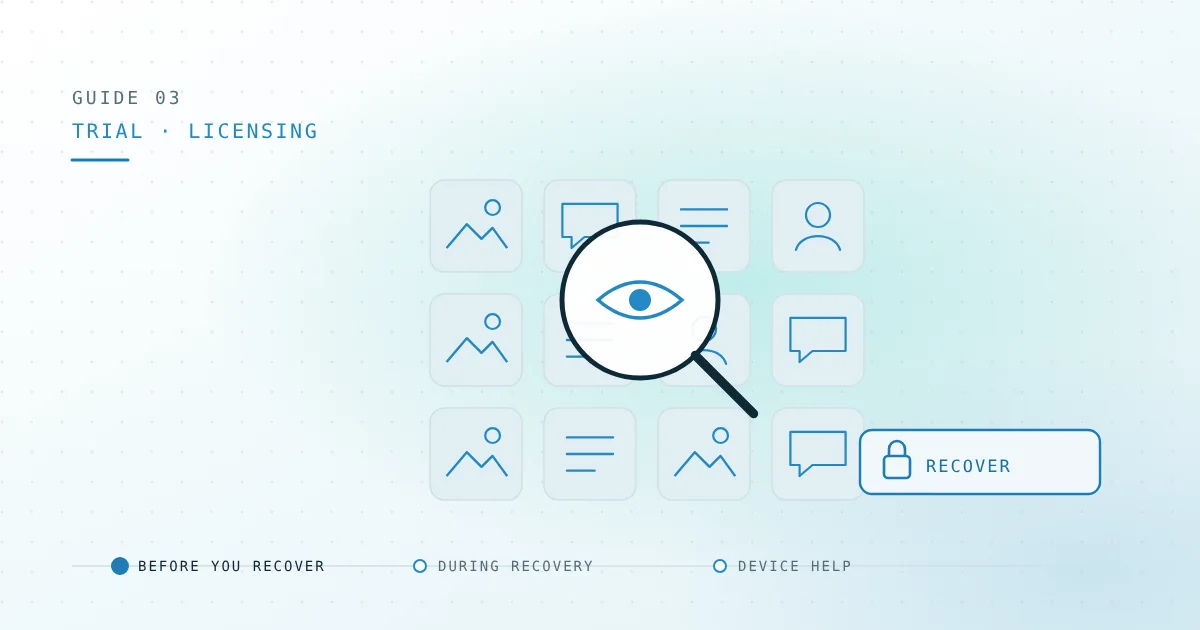
PhoneRescue is commercial software from iMobie Inc. It comes with a free trial that lets you install the program, scan a device or backup, and preview what it finds. Actually recovering those items — saving them to your computer or back to the phone — requires a paid license.
So when people search for “PhoneRescue free” or “PhoneRescue for iOS free”, the honest answer is: free to try, paid to recover.
What the free trial lets you do
- Install PhoneRescue for iOS or PhoneRescue for Android on Windows or macOS.
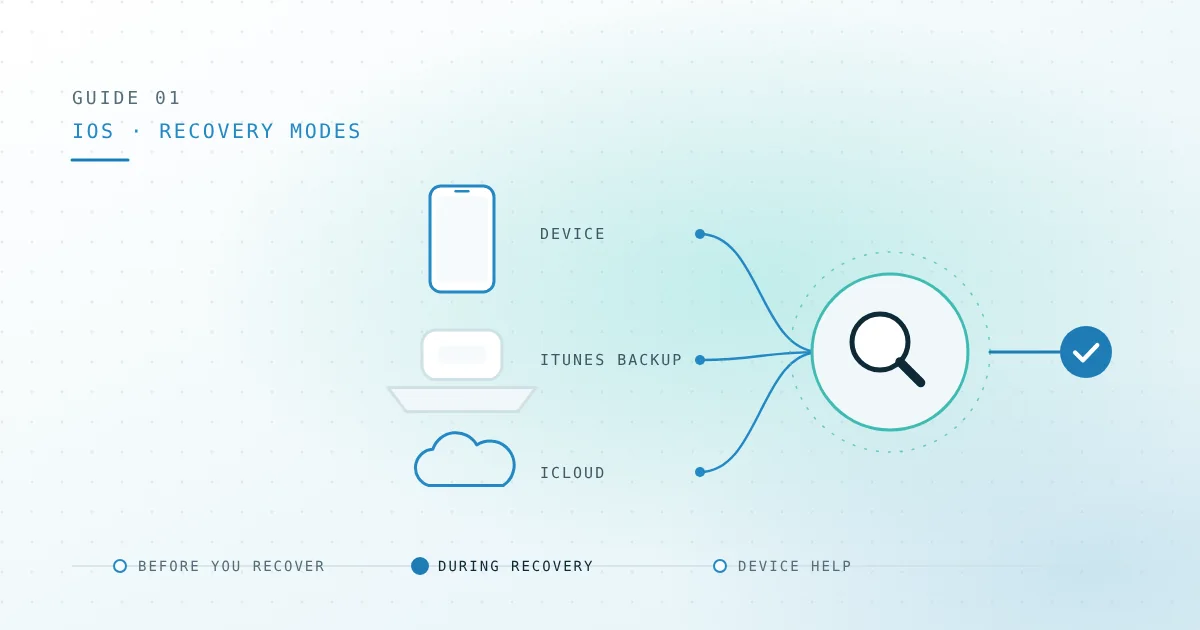
- Connect and scan a device, or for the iOS edition an iTunes or iCloud backup.
- Preview the results by category, so you can see whether that specific photo, chat or contact is there.
This preview step is the most important part of deciding whether to pay. If the scan cannot find the item, a license will not change that.
What a license adds
A license unlocks the recovery itself. Based on iMobie's published plans, each edition is sold separately and has its own options, typically including time-limited subscriptions and a lifetime license, with different limits on how many devices and computers are covered.
Prices and plan details change, so check the current terms on the developer's website before you buy, and read what each plan covers. In particular, a PhoneRescue for iOS license and a PhoneRescue for Android license are different products.
Why “free full version” downloads are risky
Search results for “PhoneRescue free full version”, keygens or cracked installers are a classic way to spread malware. Data recovery tools are a particularly bad choice for that gamble: the program needs deep access to your phone and computer at a moment when your personal data is already at risk.
If the trial shows your data is recoverable, a legitimate license is the safer route. If it shows nothing, you have lost nothing but a little time.
How to get the most out of the trial
- Stop using the phone as much as possible before scanning, so you do not overwrite deleted data.
- Pick the right source first — see the iOS recovery modes guide if you are unsure.
- Scan only the categories you need, then open the preview and check dates and contents.
- Decide on a license only after you have seen the specific items you want.
Ready to try it? The download section on our homepage links to the installer.