Before you recover
Looking for a PhoneRescue APK? Here is why PhoneRescue is a desktop program
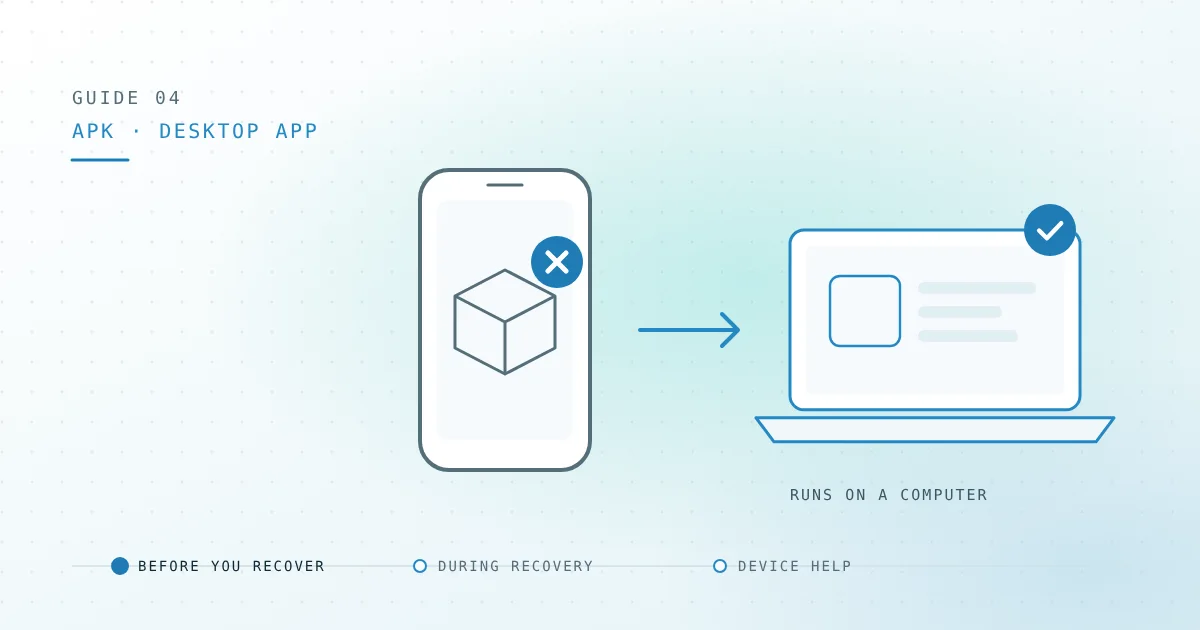
Many people search for a “PhoneRescue APK” expecting an app they can install on the phone. PhoneRescue is a desktop program for Windows and macOS that works with the phone over a USB cable. That design is deliberate, and it matters for recovery.
Step summary
- PhoneRescue is installed on a computer, not on the phone.
- Installing apps on the phone can overwrite deleted data.
- Treat APK files claiming to be PhoneRescue with suspicion.
- Use the desktop edition that matches your phone instead.
What “PhoneRescue app” usually means
When people say “the PhoneRescue app”, they usually mean one of two things: the desktop program itself, or a phone app they assume exists. iMobie distributes PhoneRescue for iOS and PhoneRescue for Android as programs for Windows and macOS. You install one of them on your computer, then connect the phone.
This site does not offer, and does not recommend, any APK file presented as PhoneRescue.
Why recovery software runs on a computer
There are two practical reasons recovery tools like PhoneRescue live on a computer:
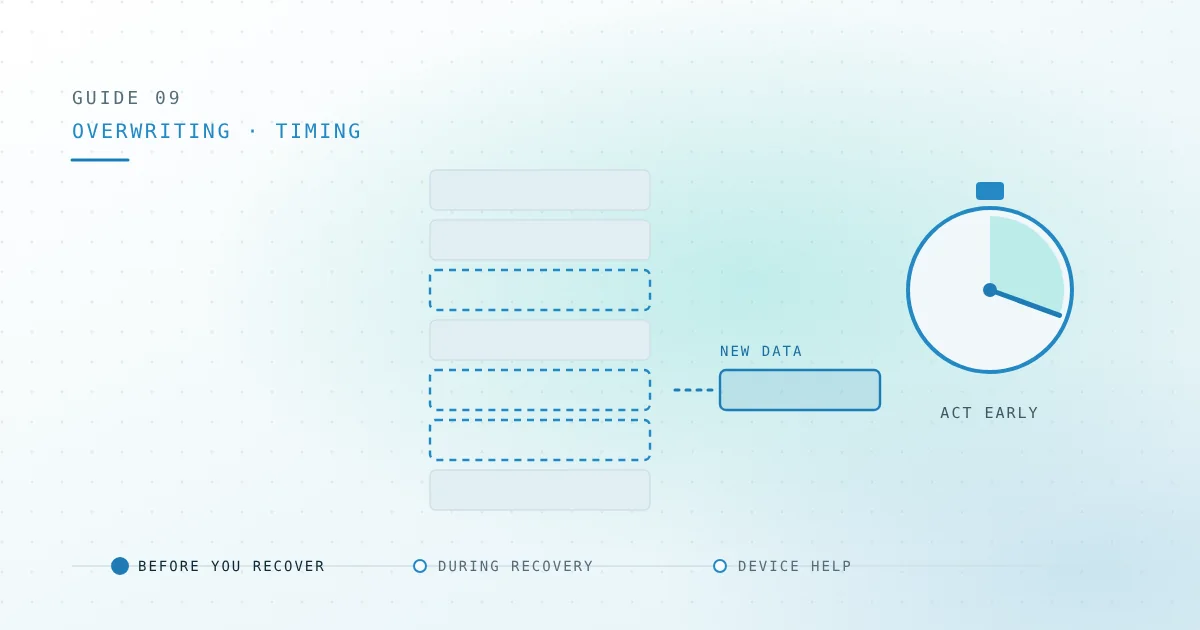
- Avoiding overwrites. Deleted data sits in storage that the phone considers free. Downloading and installing an app writes new data to that same storage, which can overwrite exactly what you are trying to get back.
- Access and space. A computer connected over USB can analyze the phone, open backups stored on the computer, and save recovered files somewhere other than the phone.
This is also why our recovery chances guide recommends installing nothing new on the phone after data loss.
The risk with third-party APK files
APK files hosted on random sites can be modified versions of real apps, or something else entirely wearing a familiar name. A program that asks for wide permissions on a phone that has just lost data is a poor bet. Signs to walk away include:
- A “PhoneRescue APK” that promises full recovery directly on the phone with no computer.
- Requests to disable Play Protect or other security warnings before installing.
- Bundled “unlockers”, cracks or license generators.
What to do instead
| If you have… | Use |
|---|---|
| An Android phone or tablet | PhoneRescue for Android on a Windows PC or Mac — see the Android setup guide |
| An iPhone, iPad or iPod touch | PhoneRescue for iOS on a Windows PC or Mac — see the iOS recovery modes |
| No computer at all | Check the phone's own trash folders and your cloud backups first; borrowing a computer for a scan is often the next step |
You can find the installer link in the download section of our homepage.