Device help
When an iPhone is stuck: where PhoneRescue's iOS repair tools fit
Besides data recovery, PhoneRescue for iOS includes tools aimed at iPhones and iPads with software problems. They can help in the right situation — but there are a few free steps worth trying first, and one rule that protects your data.
Step summary
- Try a force restart for your model.
- Back up the device first if it still responds at all.
- Use PhoneRescue's repair tools for software problems, reading each option's description.
- Go to Apple or a repair shop for physical damage.
The symptoms these tools are meant for
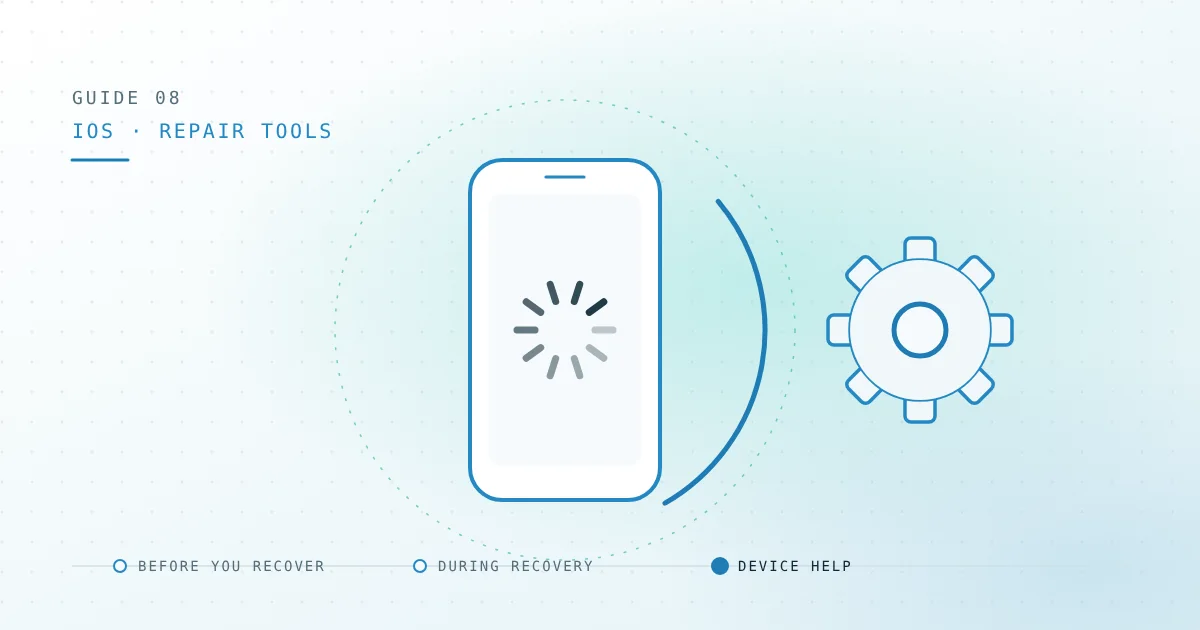
iOS repair tools, PhoneRescue's included, target software problems rather than hardware faults. Typical examples are an iPhone stuck on the startup screen, a device caught in a restart loop, a frozen or black screen while the phone is otherwise powered, or a phone left unusable after an update failed midway.
Try the basics first
A force restart fixes more “stuck” iPhones than anything else, and it does not erase data. On recent iPhones it is done by pressing and releasing volume up, pressing and releasing volume down, then holding the side button until the Apple logo appears. Older models use different button combinations, and Apple's support site lists them for each model.
If the phone still responds enough to connect, back it up before you try anything more involved.
Where PhoneRescue fits
If basic steps fail, PhoneRescue for iOS offers repair tools that guide you through fixing the system, including steps such as putting the device into recovery mode when needed. Read the description of each option carefully before starting it.
Some system repair methods — from any vendor, including Apple's own restore — erase the device. If an option warns that data will be removed, stop and make sure you have a backup or have recovered what you need first.
If data is the priority, consider recovering it before repairing. The iCloud and iTunes backup modes work even when the phone itself will not start.
The Screen Time passcode tool
A related iOS tool, added in PhoneRescue 4, recovers a forgotten Screen Time passcode on an iOS device. Use it only on devices you own or manage with permission.
When to go to Apple or a repair shop
Software tools cannot fix a cracked board, water damage, a failing battery or a broken charging port. If the phone shows no sign of power, was dropped or got wet, or the problem returns after every repair, contact Apple or an authorized service provider. If the phone is simply not being detected by your computer, start with the connection checklist.